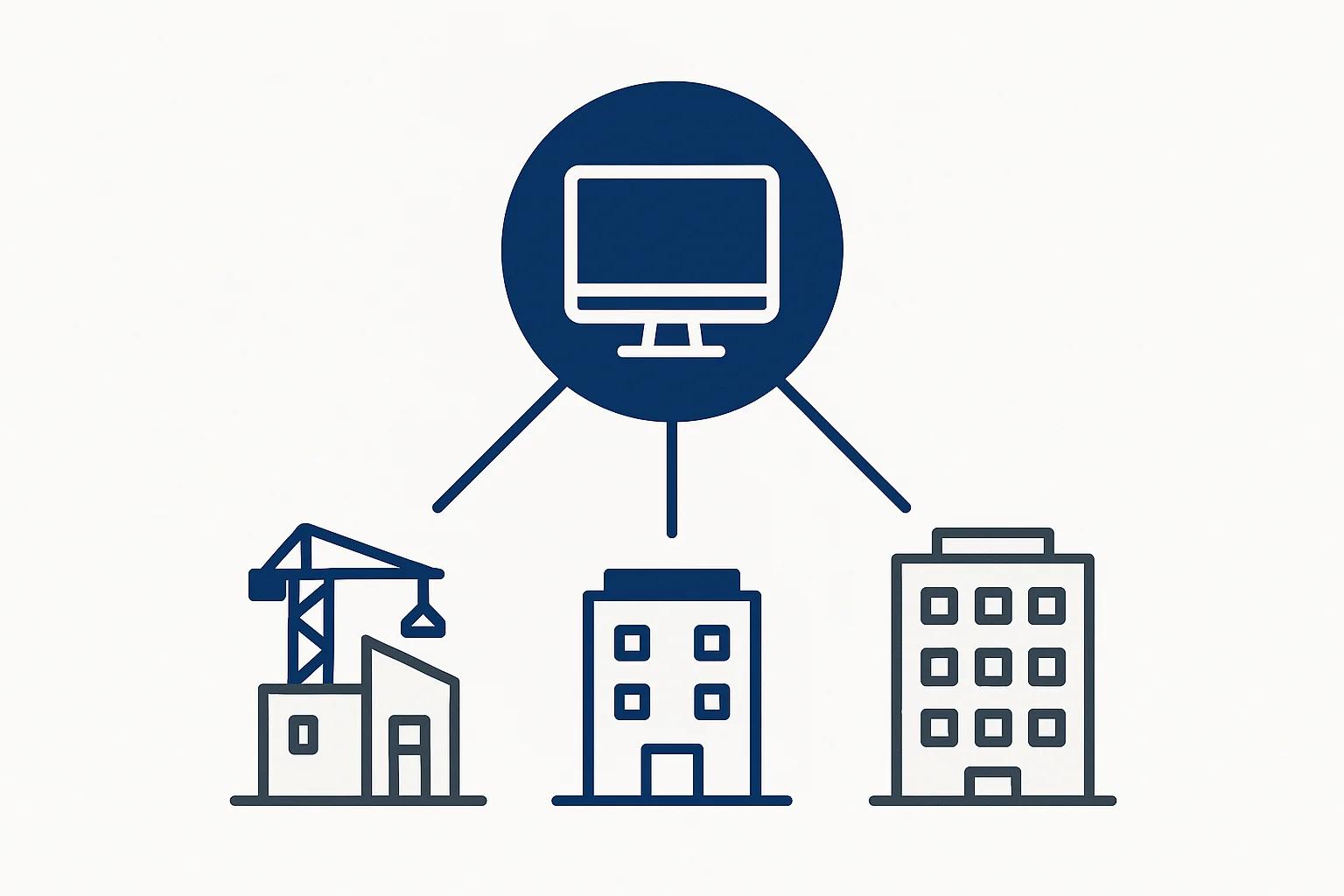
Managing multiple construction sites is challenging. Contractors juggle 5-10 sites simultaneously, visiting each daily, tracking separate data, and coordinating teams. This guide shows how to manage multiple sites efficiently using a multi-site contractor app.
Challenges of Multi-Site Management
1. Time Constraints
- Visiting 5-10 sites daily
- 2-3 hours travel time
- Limited time per site
- Exhausting schedule
Impact: 10-15 hours daily on travel
2. Data Fragmentation
- Separate records per site
- No centralized view
- Difficult comparisons
- Manual consolidation
Impact: Can't see big picture
3. Resource Allocation
- Unclear resource needs
- Poor allocation decisions
- Wasted resources
- Higher costs
Impact: ₹50K-100K/month in inefficiency
4. Communication Gaps
- Delayed updates
- Missed information
- Coordination issues
- Delayed decisions
Impact: Project delays, cost overruns
Solution: Multi-Site Management App
A multi-site contractor app solves all these challenges:
- ✅ Centralized dashboard
- ✅ Site-wise tracking
- ✅ Real-time updates
- ✅ Comparative reports
- ✅ Resource visibility
Tool: Yojo contractor app — manage unlimited sites
How Multi-Site Management Works
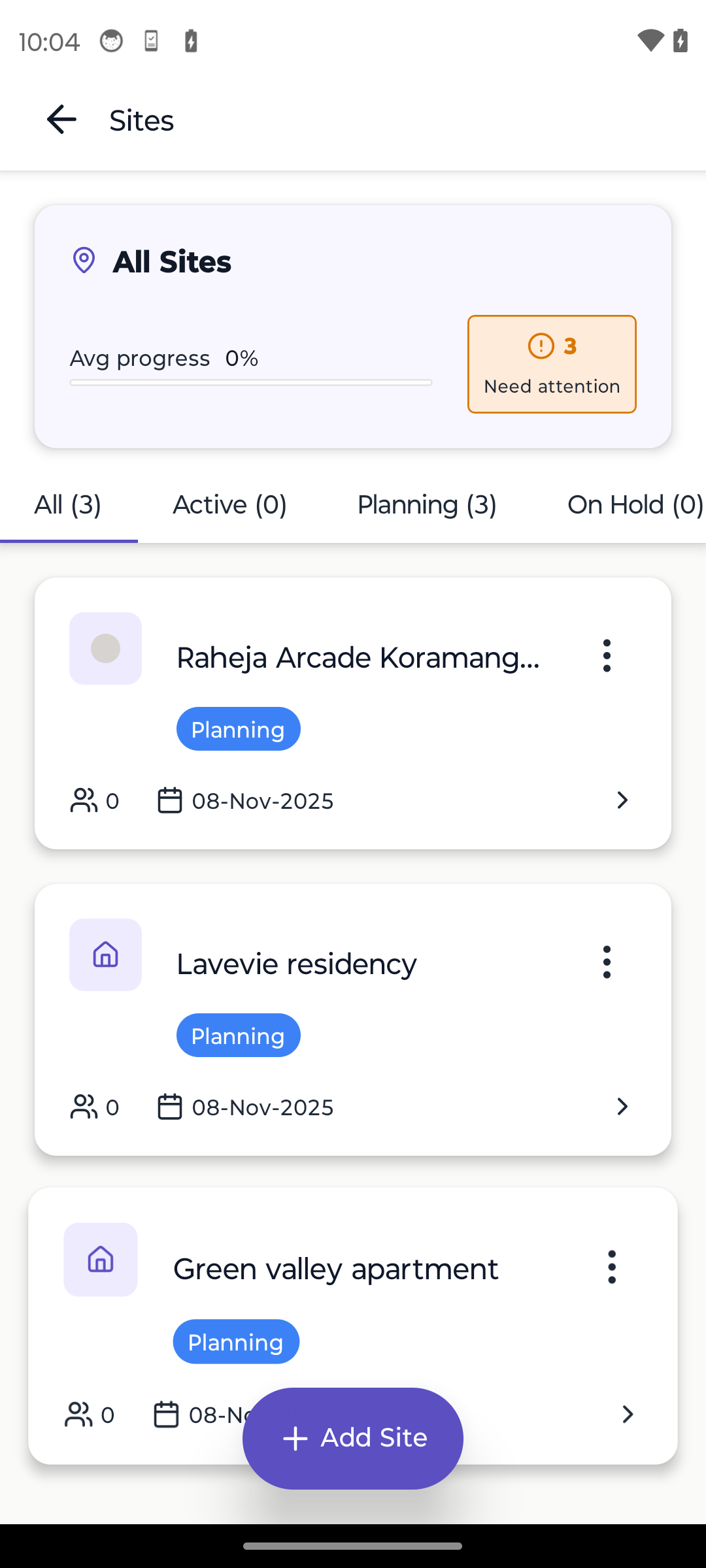
1. Centralized Dashboard
View all sites in one place:
- Site status overview
- Active workers count
- Daily expenses
- Progress summary
- Alerts & notifications
Benefit: See everything at a glance
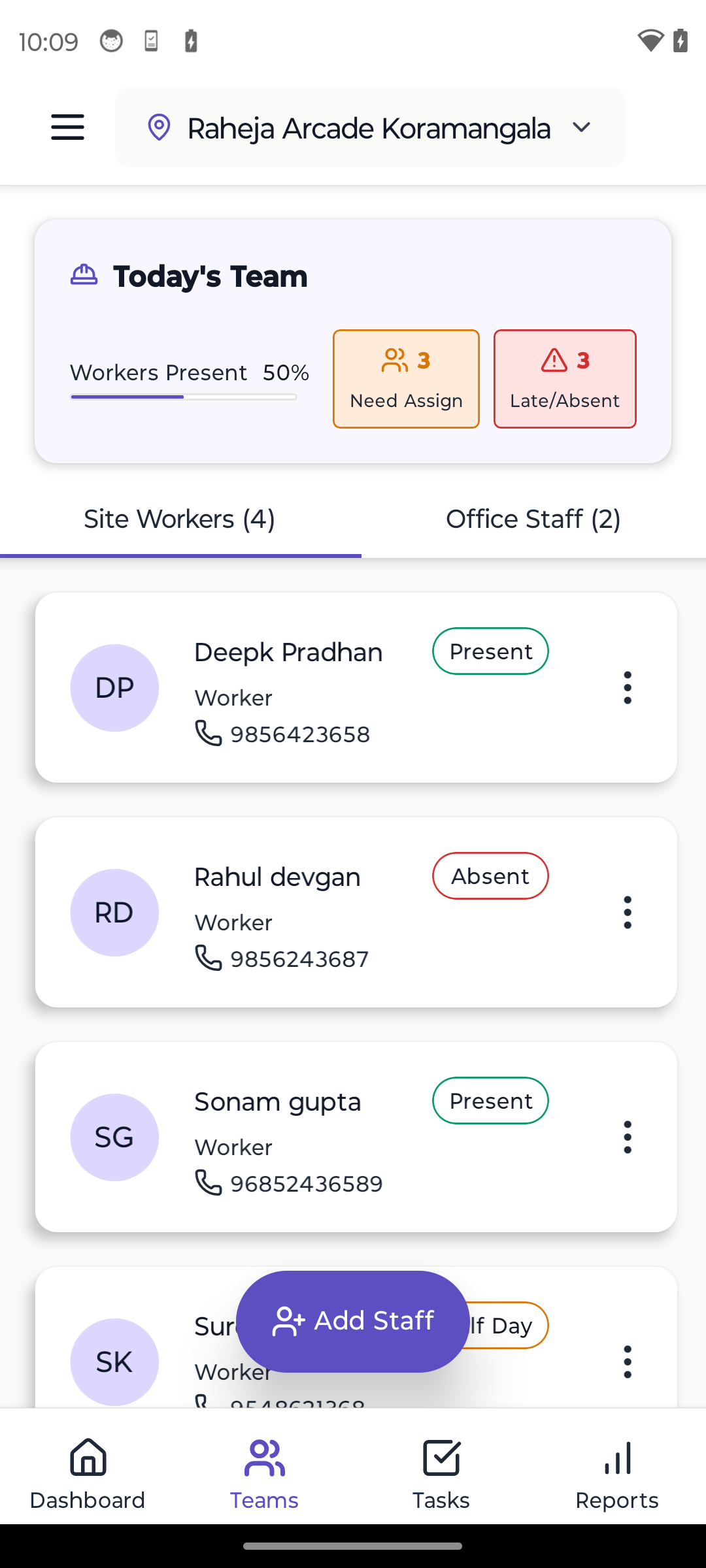
2. Site-Wise Tracking
Track per-site data:
- Attendance per site
- Labour costs per site
- Material expenses per site
- Progress per site
- Reports per site
Benefit: Clear site-wise visibility
3. Comparative Analysis
Compare sites:
- Cost comparison
- Progress comparison
- Efficiency metrics
- Resource utilization
- Performance ranking
Benefit: Identify best/worst performing sites
4. Resource Allocation
Optimize resources:
- See resource needs
- Allocate efficiently
- Transfer workers
- Share materials
- Balance workload
Benefit: Better resource utilization
Step-by-Step Implementation
Step 1: Choose Multi-Site App
Select contractor app with:
- Multi-site support
- Site-wise tracking
- Centralized dashboard
- Comparative reports
- Offline capability
Recommendation: Yojo — unlimited sites, site-wise tracking
Step 2: Add All Sites
Add sites to app:
- Site name & location
- Site details
- Team members
- Budget (optional)
- Start date
Setup: 5 minutes per site
Step 3: Assign Teams
Assign teams to sites:
- Site supervisors
- Workers
- Permissions
- Responsibilities
Setup: 10 minutes per site
Step 4: Start Tracking
Begin tracking:
- Mark attendance per site
- Track expenses per site
- Update progress per site
- Generate reports
Daily Time: 15-30 minutes for all sites
Step 5: Review & Optimize
Regular reviews:
- Weekly site comparison
- Monthly analysis
- Resource optimization
- Cost reduction
Frequency: Weekly reviews
Best Practices
1. Standardize Processes
- Same processes across sites
- Consistent tracking
- Uniform reporting
- Standardized workflows
Benefit: Easy comparison and management
2. Delegate Authority
- Empower site supervisors
- Clear responsibilities
- Decision authority
- Regular updates
Benefit: Less micromanagement needed
3. Regular Reviews
- Weekly site reviews
- Monthly comparisons
- Quarterly analysis
- Annual planning
Frequency: Weekly minimum
4. Use Technology
- Multi-site app
- Real-time updates
- Automated reports
- Data analytics
Tool: Yojo for multi-site management
5. Optimize Travel
- Visit sites strategically
- Combine visits
- Use technology for monitoring
- Reduce unnecessary travel
Result: Save 5-10 hours weekly
Features of Multi-Site Apps
1. Unlimited Sites
- Add as many sites as needed
- No site limits
- Scale easily
- Manage growth
Yojo: Unlimited sites in Pro plan
2. Site-Wise Dashboard
- Per-site overview
- Quick status check
- Site comparison
- Alerts per site
Benefit: Quick site assessment
3. Site-Wise Reports
- Attendance reports per site
- Expense reports per site
- Progress reports per site
- Combined reports
Benefit: Detailed site analysis
4. Resource Transfer
- Move workers between sites
- Transfer materials
- Share resources
- Optimize allocation
Benefit: Better resource utilization
5. Offline Support
- Works offline per site
- Syncs when online
- No internet needed
- Perfect for remote sites
Yojo: 100% offline support
Real Success Stories
Rajesh Kumar, Mumbai: "Managing 8 sites with Yojo. Centralized dashboard shows all sites. Save 12 hours weekly. Better decisions."
Amit Sharma, Delhi: "5 sites across NCR. Site-wise tracking helps compare performance. Identified inefficiencies, saved ₹75K/month."
Vikram Singh, Bangalore: "10 sites managed from one app. Real-time updates, site-wise reports, better control. ROI in first month."
Cost-Benefit Analysis
Investment:
- App: ₹999/month (Yojo Pro)
- Setup: 1 day
- Training: 3-4 hours
Returns:
- Time saved: 10-15 hours/week
- Cost saved: ₹50K-100K/month
- Better decisions
- Reduced travel
- ROI: 5000%+
Payback: 1 week
Common Questions
Q: How many sites can I manage? A: Yojo supports unlimited sites. Manage 5, 10, 20+ sites from one app.
Q: Can I track sites separately? A: Yes, complete site-wise tracking. Attendance, expenses, progress - all per site.
Q: Do I need to visit each site? A: No, monitor from dashboard. Visit only when needed. Save 10-15 hours weekly.
Q: Can supervisors manage sites independently? A: Yes, assign supervisors per site. They manage independently, you monitor centrally.
Q: What if sites are in different cities? A: Yojo works anywhere. Manage sites across cities, states, or regions.
Conclusion
Multi-site construction management is challenging but manageable with the right tools. Key points:
- Use multi-site app — Centralized management
- Standardize processes — Consistency across sites
- Delegate authority — Empower supervisors
- Regular reviews — Weekly analysis
- Optimize travel — Use technology
Best Tool: Yojo multi-site contractor app
Benefits:
- Manage unlimited sites
- Centralized dashboard
- Site-wise tracking
- Save 10-15 hours/week
- Save ₹50K-100K/month
- Better decisions
Next Steps
- Try Yojo free — Multi-site support included
- Learn about features — See capabilities
- Read success stories — Real results
- Check pricing — Affordable plans
Start managing multiple sites efficiently with Yojo contractor app. Save time and money from day one.
Ready to Transform Your Construction Business?
Start managing your sites efficiently with Yojo today.
Try Yojo FreeConstruction Management Expert
Senior Construction Consultant at Yojo
10+ years of experience
Reviewed on 15 January 2025
About Rajesh Patel
Construction management expert with 10+ years of experience helping Indian contractors build better businesses. Specialized in digital transformation for construction sites.
Related Pages
Construction Management App
Simple app for labour, materials & site work
Multi-Site Construction App
Track all your construction sites in one place
Offline Construction App
Works without internet at construction sites
Contractor App
India's #1 contractor app for labour & construction
Labour App
Attendance, wages & payroll for construction
Best Contractor Apps India
Complete comparison of contractor apps
Mumbai Material Rates Today
Current market rates for construction materials in Mumbai, Maharashtra
Rates are indicative and may vary by supplier and location
View Mumbai page →