Choosing the right construction site management app can transform your business. Choose wrong, and you've wasted time and money. Here's how to make the right choice for your contracting business.
Why Generic Project Management Apps Don't Work
Tools like Trello, Asana, or Monday.com are popular, but they weren't built for construction. They lack critical features Indian contractors need:
- No offline mode for remote sites
- No attendance tracking for daily wage workers
- No DPR generation templates
- Not designed for field workers with limited tech skills
- No support for Indian languages
- Generic workflows that don't match construction
You need construction-specific software like a contractor app designed for Indian contractors.
Essential Features for Indian Contractors
1. Offline Capability (Non-Negotiable)
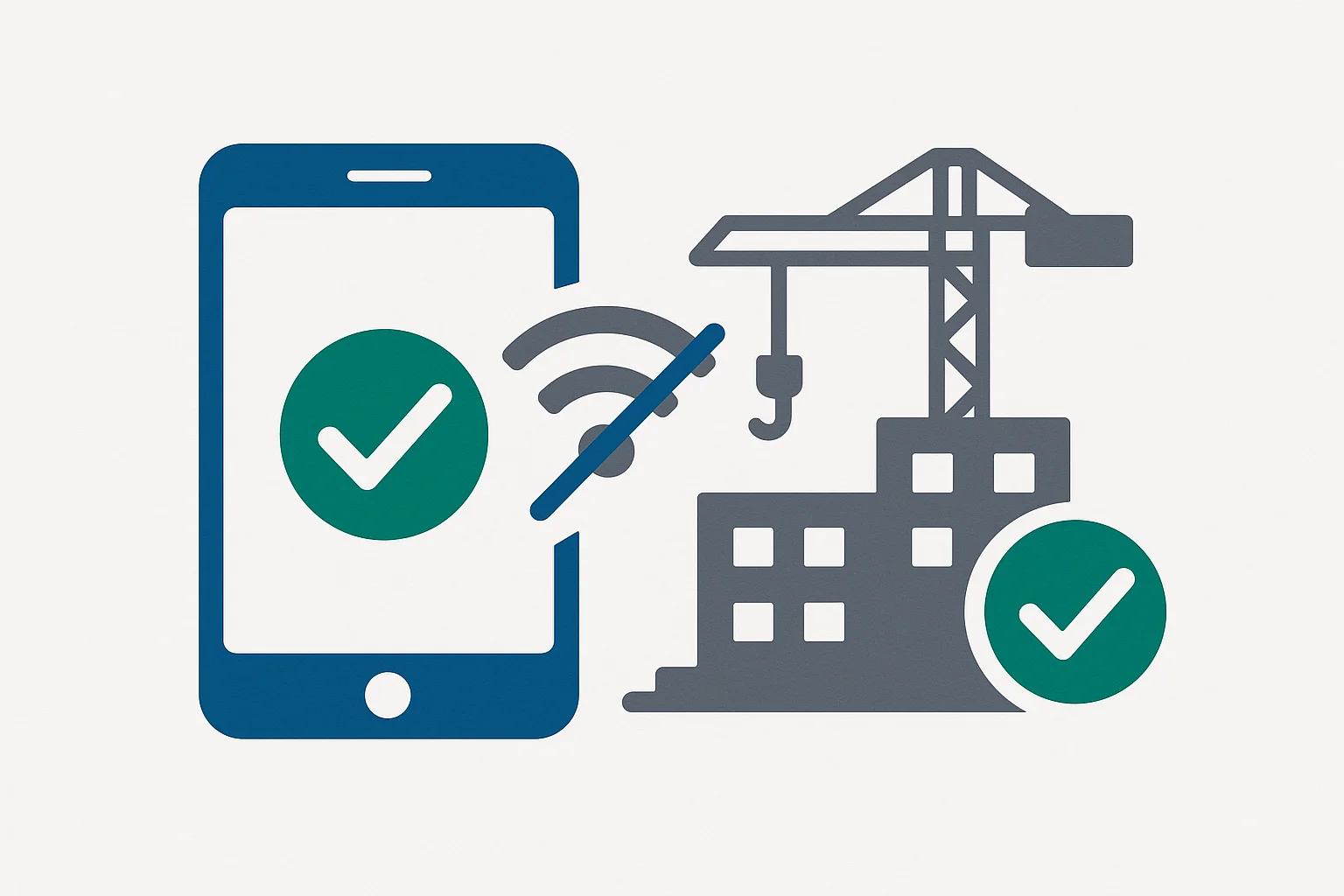
Indian construction sites often have poor or no internet connectivity. Your app MUST work offline.
What to look for:
- Full functionality without internet
- Automatic sync when connection is available
- No data loss during offline work
- Multiple devices syncing correctly
Test before buying: Download the app, turn off internet, try to use core features. If it doesn't work, move on.
2. Mobile-First Design
Your supervisors and workers use phones, not computers. The app must be mobile-first.
What to look for:
- Easy to use on 5-6 inch screens
- Works well even on budget Android phones
- Touch-friendly interface
- Quick loading even on slow phones
- Minimal data usage
Red flag: If the company emphasizes their web interface over mobile, it's probably desktop-first.
3. Hindi and Regional Language Support
Not everyone on your team speaks English fluently. Language shouldn't be a barrier.
What to look for:
- Complete Hindi translation, not just partial
- Interface in Hindi, not just content
- Regional language support (Tamil, Bengali, Marathi, etc.)
- Easy language switching
Test: Change language to Hindi and navigate the app. Is everything translated? Is it natural Hindi or awkward translations?
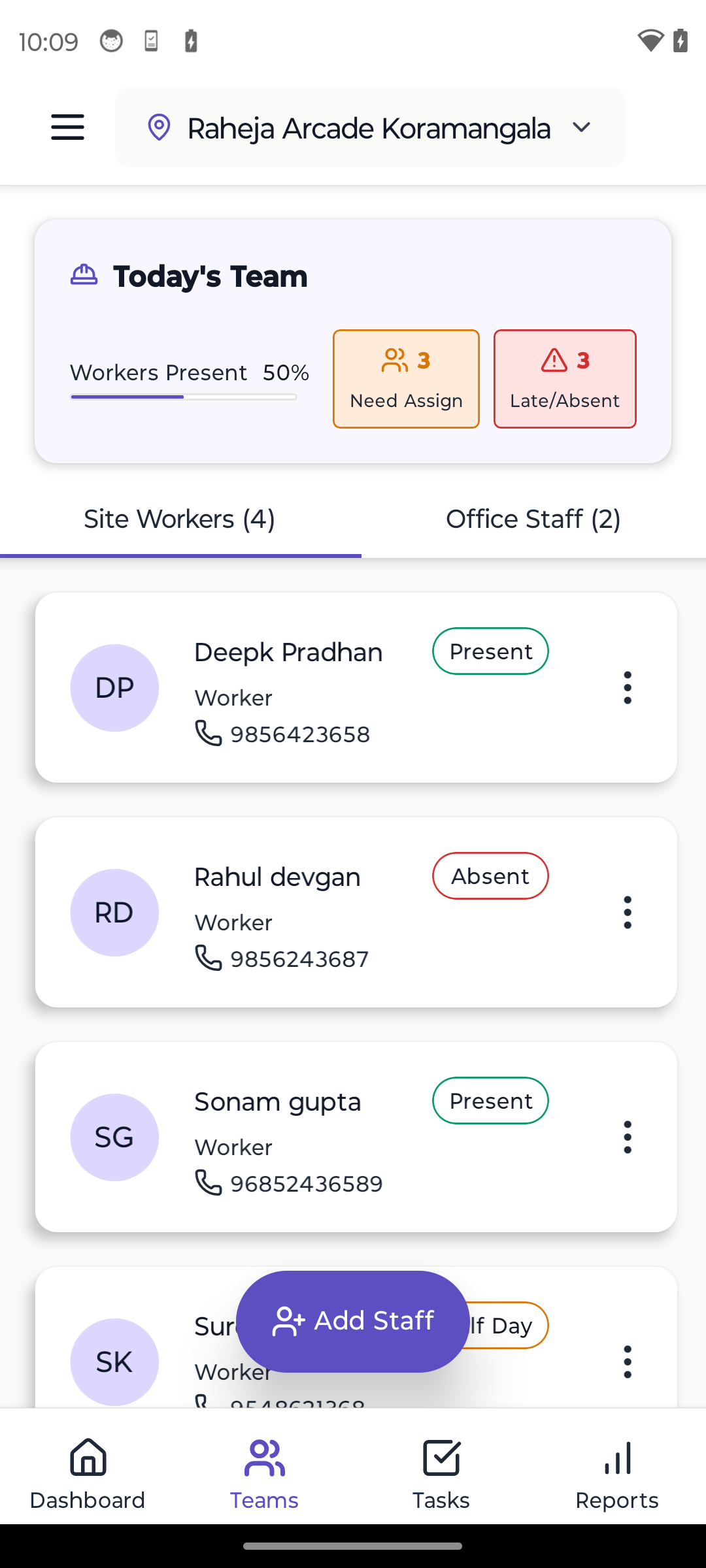
4. Attendance Management
Daily wage worker attendance is crucial for Indian contractors.
Must-have features:
- Quick bulk attendance marking
- Photo verification to prevent proxy attendance
- Overtime tracking
- Half-day marking
- Attendance history and reports
- Wage calculation based on attendance
- Works offline
Nice-to-have:
- GPS location verification
- Biometric integration
- QR code attendance
5. DPR (Daily Progress Report) Generation
Creating daily reports manually takes hours. Automation is essential.
Must-have features:
- Template-based DPR creation
- Auto-fill from attendance and task data
- Photo inclusion in reports
- PDF generation
- WhatsApp/email sharing
- Date-wise report history
Time saved: Manual DPR: 2-3 hours. Automated DPR: 5-10 minutes.
6. Task and Progress Tracking
Know what's done, what's pending, and who's responsible.
Must-have features:
- Simple task creation and assignment
- Task status updates
- Progress percentage tracking
- Photo documentation
- Task history
- Filtering by site, person, status
Avoid: Overly complex task management with dependencies, Gantt charts, etc. Keep it simple.
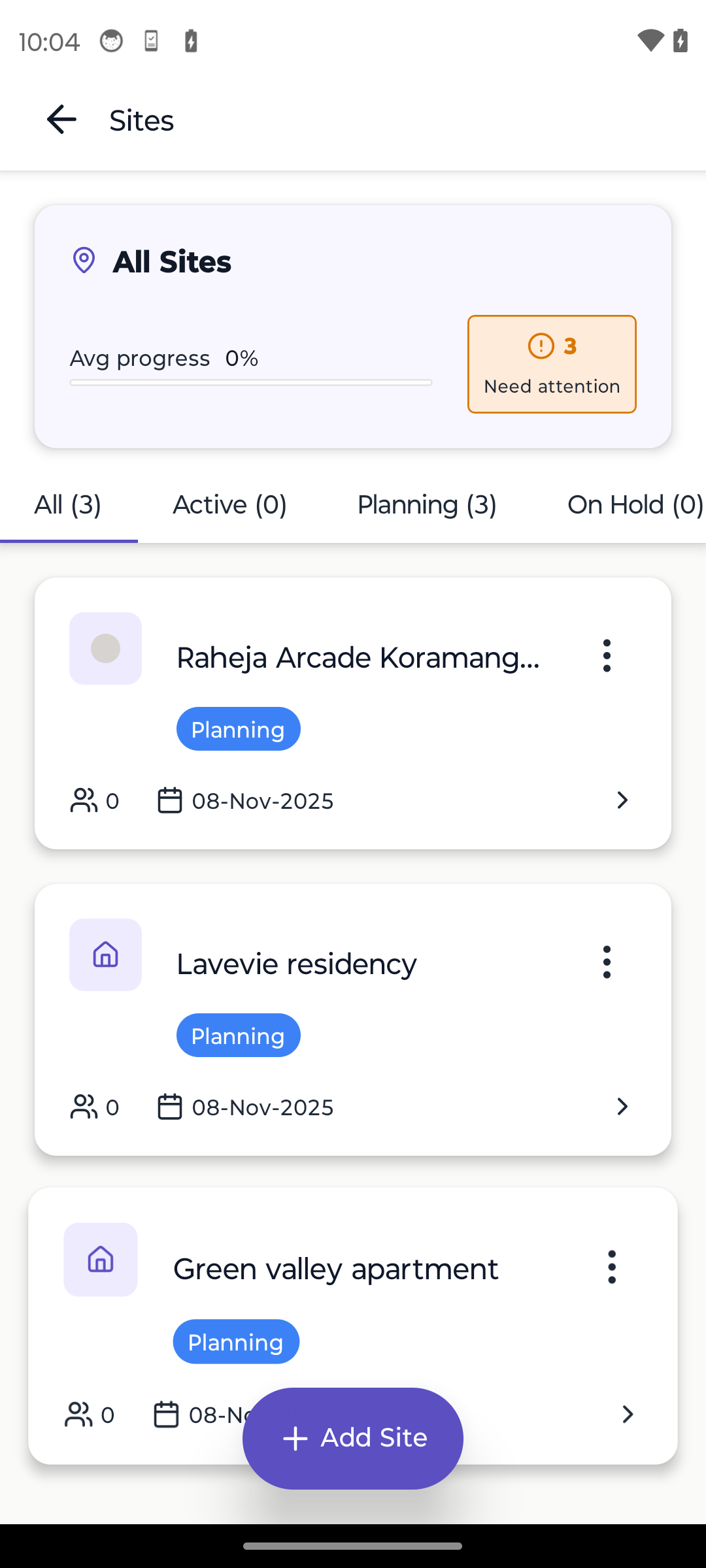
7. Multi-Site Management
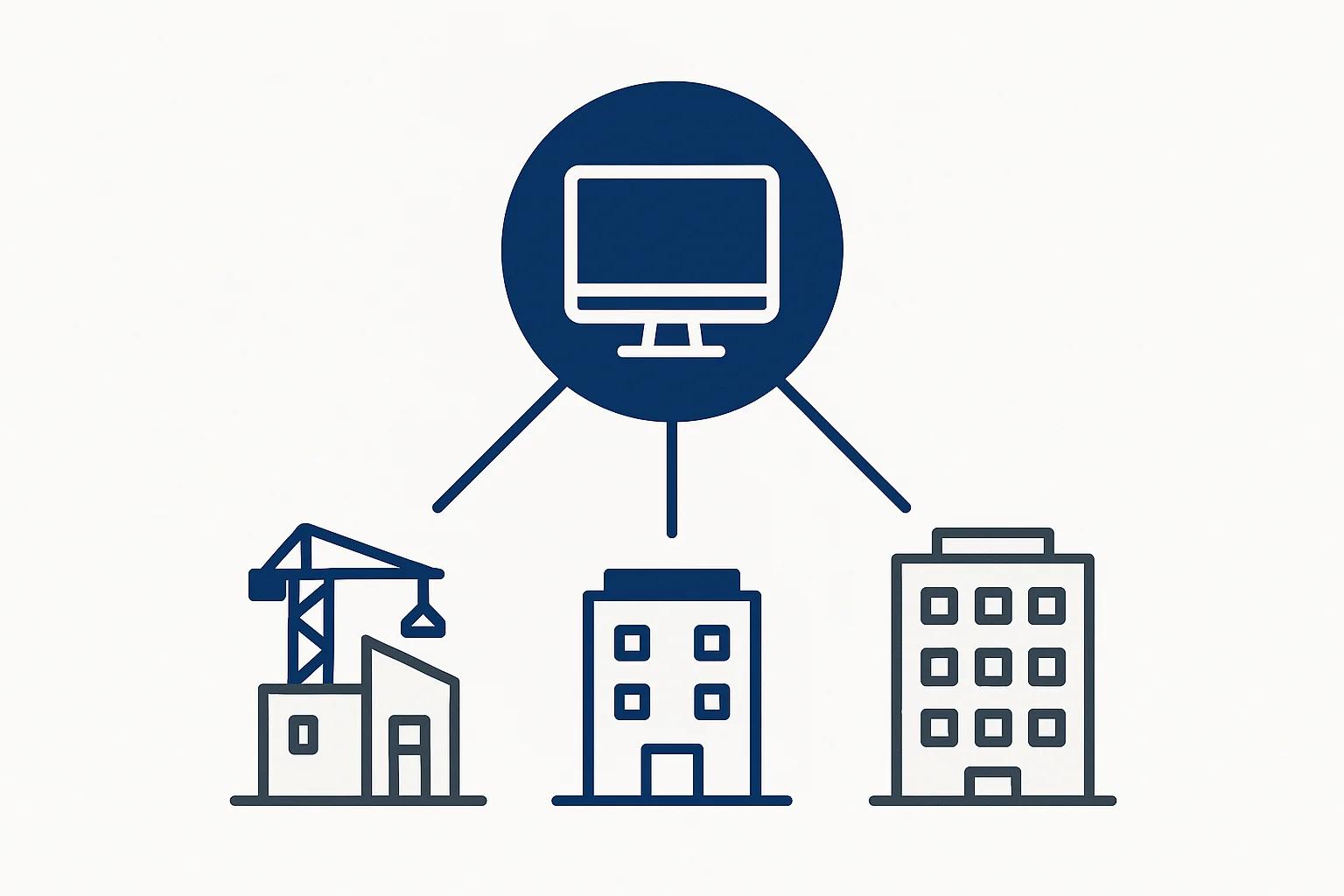
If you manage multiple sites (or plan to), the app should support it seamlessly.
Must-have features:
- Switch between sites easily
- Dashboard showing all sites
- Site-wise reports
- Team allocation by site
- Cross-site worker movement
8. Photo Documentation
Pictures are proof. The app should make photo management easy.
Must-have features:
- Camera integration
- Photo organization by date/task/site
- Photo in reports
- Photo notes/captions
- Cloud storage/backup
9. Simple Interface
Your team isn't tech-savvy. Complex software won't be used.
What to look for:
- Intuitive navigation
- Large, clear buttons
- Minimal training required
- Consistent design
- Helpful tooltips
- Limited options (no feature overload)
Test: Give the app to your least tech-savvy team member. Can they mark attendance without help? If yes, it's simple enough.
Price Considerations
Free Plans
Many apps offer free plans. Good for:
- Testing the app
- Small contractors with 1-2 sites
- Getting started
Limitations of free plans:
- Usually limited sites or team members
- Basic features only
- Limited storage
- Less support
Paid Plans
Expect to pay ₹500-2000 per month for Pro plans.
What you should get:
- Unlimited sites and team members
- All features unlocked
- Priority support
- More storage
- Advanced reports
- Data export
ROI calculation: If the app saves 2 hours daily at ₹500/hour value, that's ₹30,000 monthly savings for ₹1000 investment. 30x ROI.
Red Flags to Avoid
1. No Free Trial
If they won't let you try before buying, avoid. Legitimate software offers trials.
2. Only Web-Based
Construction happens on-site, not in offices. Mobile must be the priority.
3. Requires Internet
Offline capability is non-negotiable for Indian sites.
4. Complex Setup
If setup takes days or requires consultants, it's too complex.
5. Poor Support
Check reviews. If support is slow or unhelpful, you'll struggle when issues arise.
6. Hidden Costs
Watch for:
- Per-user charges
- Storage limits with extra fees
- Feature upgrades (pay more to unlock)
- Support charges
- Training fees
7. No Data Export
Your data should be exportable. If they lock you in, that's bad business.
Evaluation Checklist
Use this checklist when evaluating apps:
Basic Requirements:
- Works offline completely
- Mobile-first design
- Hindi language support
- Free trial available
- Reasonable pricing
Core Features:
- Attendance tracking
- DPR generation
- Task management
- Photo documentation
- Multiple sites support
User Experience:
- Simple, intuitive interface
- Fast performance
- Works on budget Android phones
- Minimal data usage
- Easy onboarding
Support & Trust:
- Responsive customer support
- Good reviews from contractors
- Regular updates
- Data security/backup
- Data export capability
Score each item: Give 1 point for each checked item. Score 15+: Good choice. Score 20+: Excellent choice.
The Evaluation Process
Week 1: Research
- List 3-5 apps that seem promising
- Read reviews from contractors
- Check feature lists
- Sign up for free trials
Week 2: Testing
- Install on your phone
- Try offline mode
- Test on actual site (not just office)
- Get supervisor feedback
- Try creating DPR, marking attendance
Week 3: Team Trial
- Give access to 2-3 team members
- Use on one site for one week
- Gather feedback
- Measure time saved
Week 4: Decision
- Compare feedback
- Check pricing
- Review ROI
- Make decision
- Commit to one app
Don't waste time on analysis paralysis. 4 weeks is enough to decide.
Popular Options for Indian Contractors
While we recommend trying multiple apps, here are categories:
Construction-Specific Apps
Built specifically for Indian contractors. Usually best fit.
Pros: Right features, offline mode, Hindi support Cons: Smaller companies, less polish sometimes
International Construction Software
Large global companies.
Pros: Established, feature-rich, polished Cons: Often expensive, not India-optimized, no offline, poor local support
Generic Project Management
Asana, Monday, Trello, etc.
Pros: Popular, lots of integrations, familiar Cons: Not construction-specific, no offline, wrong features
Recommendation: Start with construction-specific apps built for Indian market.
Implementation Tips
Once you've chosen an app:
Phase 1: Setup (Week 1)
- Create account
- Add sites
- Add team members
- Configure basic settings
Phase 2: Training (Week 2)
- Train yourself thoroughly
- Train 2-3 supervisors
- Create simple how-to guide
- Set up WhatsApp group for questions
Phase 3: Pilot (Week 3-4)
- Use on one site only
- Run parallel with existing system
- Iron out issues
- Adjust workflows
Phase 4: Rollout (Week 5+)
- Expand to all sites
- Transition from paper
- Regular team check-ins
- Measure time savings
Common Mistakes to Avoid
Mistake 1: Choosing Based on Features
More features ≠ better app. Choose based on which app your team will actually use.
Mistake 2: Not Testing Offline
Always test offline mode thoroughly. This is where most apps fail.
Mistake 3: Ignoring Team Feedback
If your supervisors say it's too complicated, listen. They're the ones using it daily.
Mistake 4: Not Checking Reviews
Other contractors' experiences are valuable. Read reviews carefully.
Mistake 5: Committing Too Fast
Don't sign annual contracts immediately. Start monthly, commit later.
Mistake 6: No Training Plan
Even simple apps need basic training. Plan for it.
Success Metrics
After 3 months, you should see:
Time savings: 1-3 hours daily on admin work Attendance accuracy: Near 100%, no disputes DPR speed: 5-10 minutes instead of 2 hours Better communication: Team aligned on tasks Client satisfaction: Transparent reporting appreciated Scalability: Can take on more projects
If you're not seeing these benefits, either change how you're using the app or change the app.
Conclusion
The right construction site management app is a game-changer for small contractors. It saves time, reduces errors, enables scaling, and professionalizes your business.
Key takeaways:
- Offline mode is non-negotiable
- Mobile-first beats desktop-first
- Simple beats feature-rich
- Construction-specific beats generic
- Trial before you buy
- Get team feedback early
- Measure results after 3 months
Take action today:
- List 3 apps to try
- Sign up for free trials
- Test on actual site within a week
- Make decision within a month
The sooner you start, the sooner you benefit.
Need More Guidance?
- Explore our complete site management guide
- Learn about managing multiple sites effectively
- See Yojo's site management features
Ready to Transform Your Construction Business?
Start managing your sites efficiently with Yojo today.
Try Yojo FreeConstruction Management Expert
Senior Construction Consultant at Yojo
10+ years of experience
Reviewed on 20 January 2025
About Yojo Team
Construction management expert with 10+ years of experience helping Indian contractors build better businesses. Specialized in digital transformation for construction sites.
Related Pages
Construction Management App
Simple app for labour, materials & site work
Multi-Site Construction App
Track all your construction sites in one place
Offline Construction App
Works without internet at construction sites
Contractor App
India's #1 contractor app for labour & construction
Labour App
Attendance, wages & payroll for construction
Best Contractor Apps India
Complete comparison of contractor apps